Client project
Viuz
A social app for honest reviews of local cafés, restaurants and shops. People post photo and video reviews with a star rating, follow each other, and find places on a map. Businesses get their own profile to post updates and see what people say about each of their branches.
- Role
- App and backend
- Built
- Dec 2024 – Mar 2025
- Platforms
- iOS and Android
- Status
- Cancelled before launch
The idea
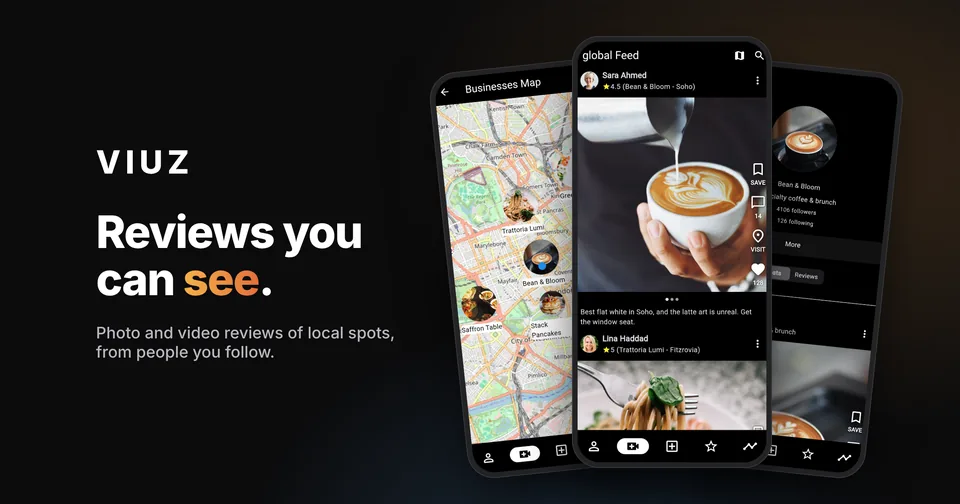
Review sites are mostly walls of text and star ratings that are hard to trust. Viuz turned reviews into a social feed: every review is a post with real photos or video from the visit, tied to a specific branch, from a person you can follow. Businesses were part of it too. They could post their own news, list all their branches, and see the reviews of each one in one place.
Reviews you can see
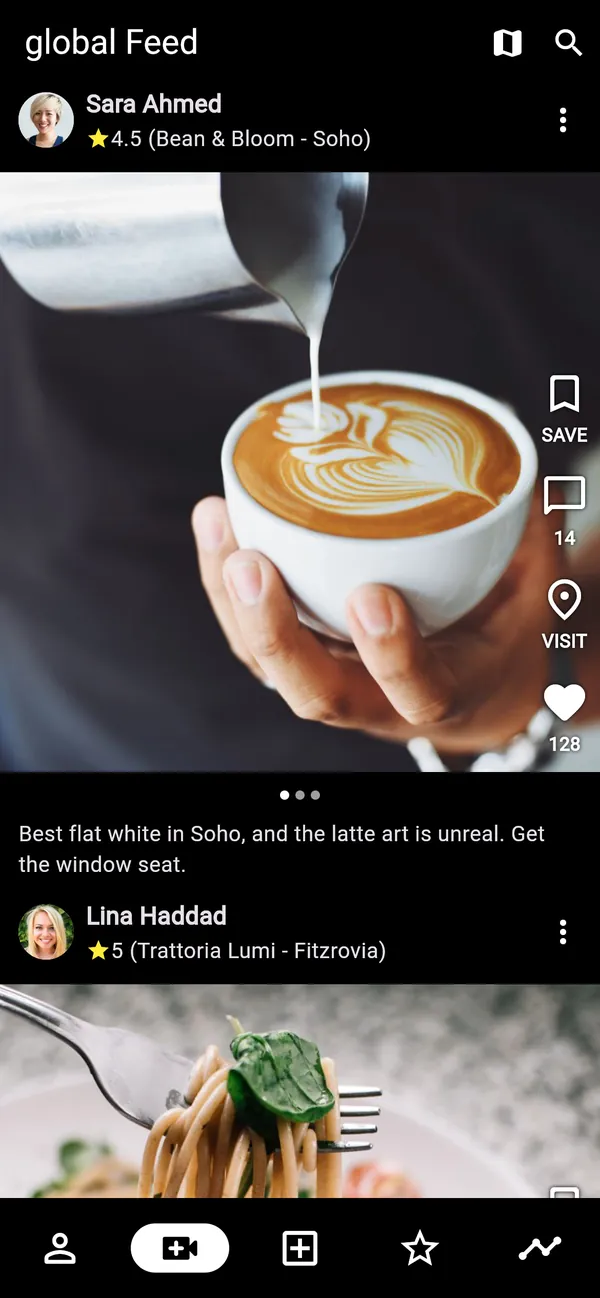
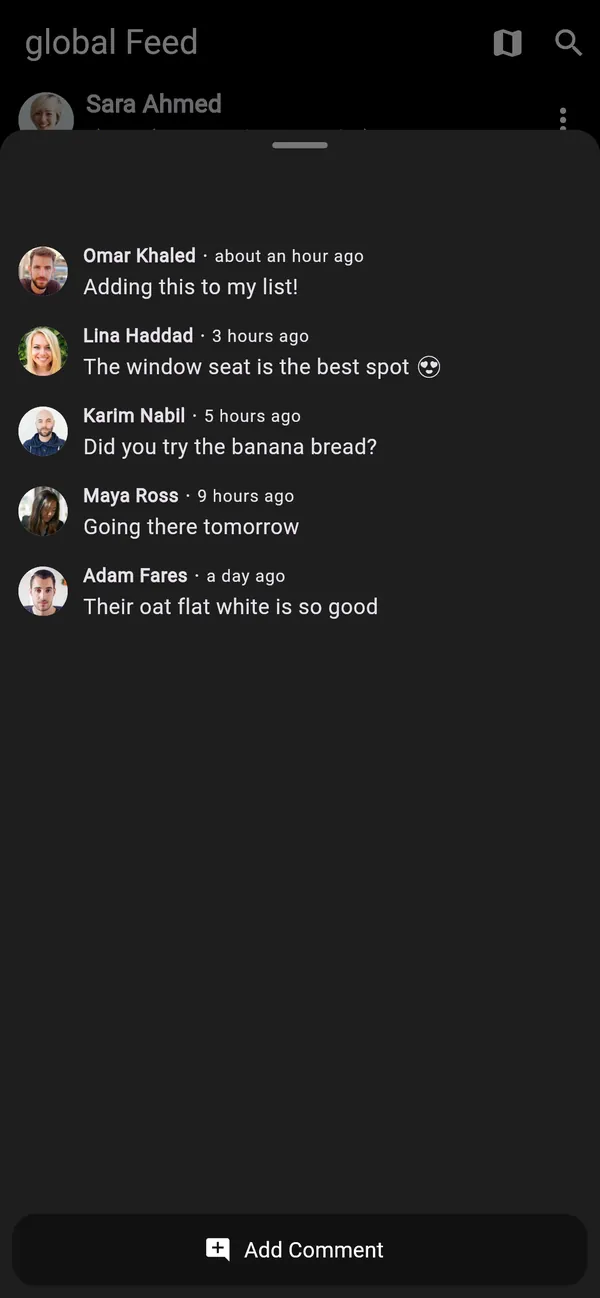
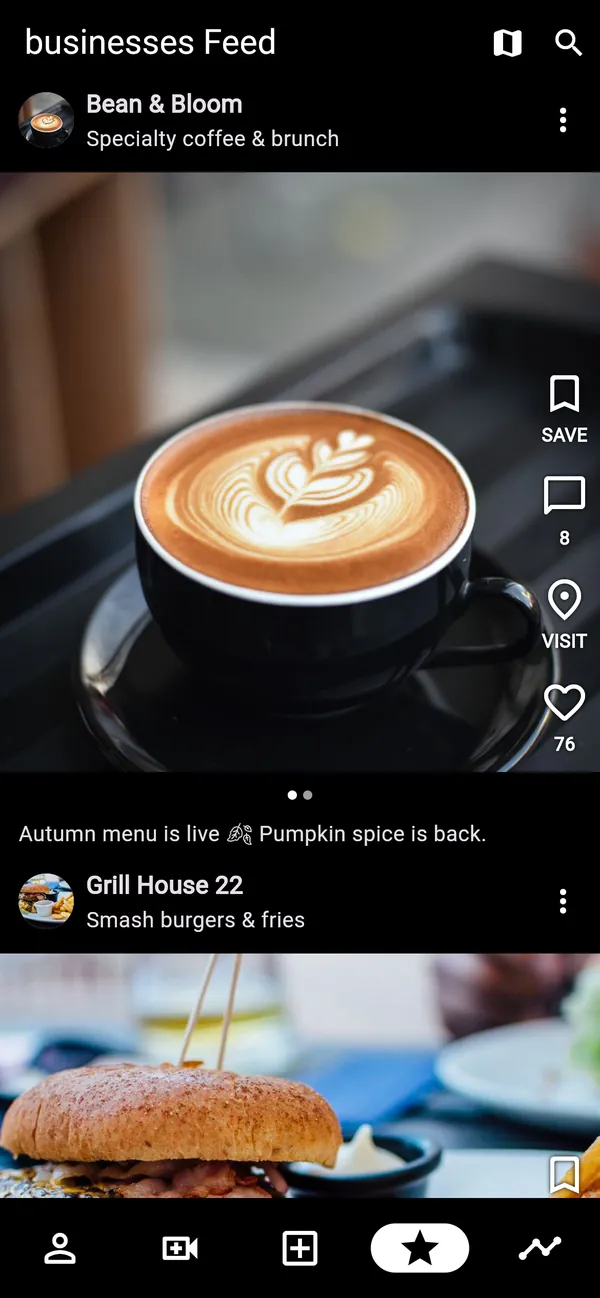
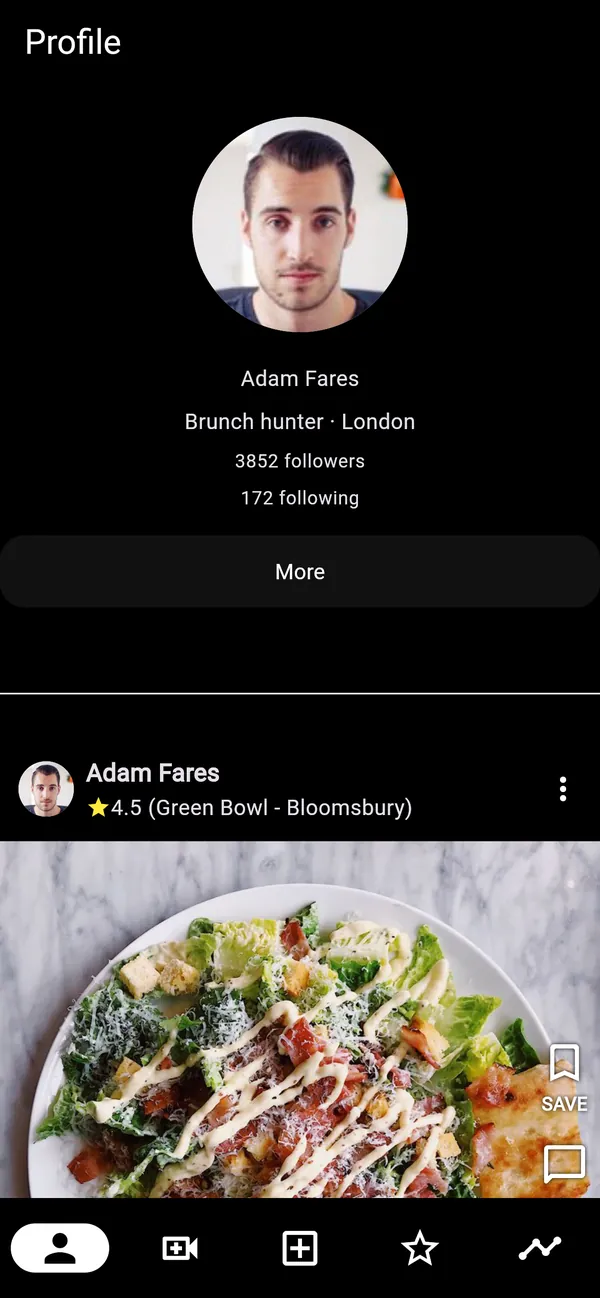
Every review is a post with photos or video, a star rating and the exact branch it's about, so people can see what they'd get before they go. Posts scroll like a social feed, and you can swipe through a post's photos, like it, save it or open its comments.
Three feeds
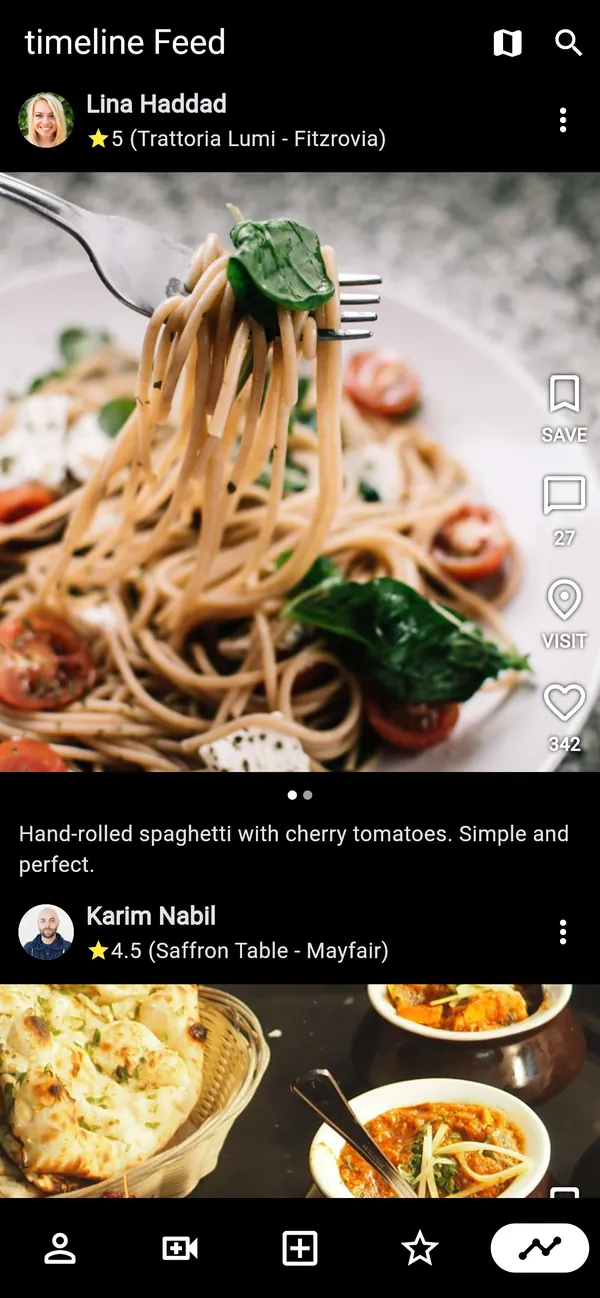
The global feed shows everything posted on Viuz. The timeline shows only people and businesses you follow. The businesses feed shows posts from businesses, ranked by how close they are to you.
A map of places
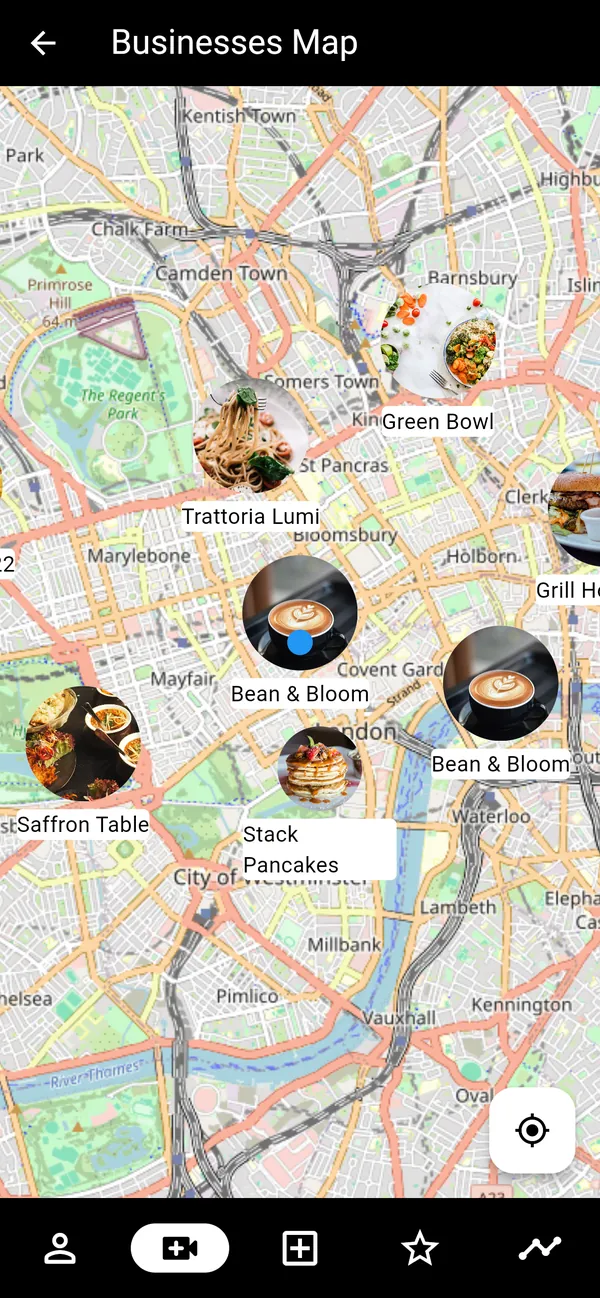
The map shows every business branch around you, each with its logo. Tap one to open the business's profile. Map data comes from OpenStreetMap, and the app only loads the branches inside the part of the map you're looking at.
Posting a review
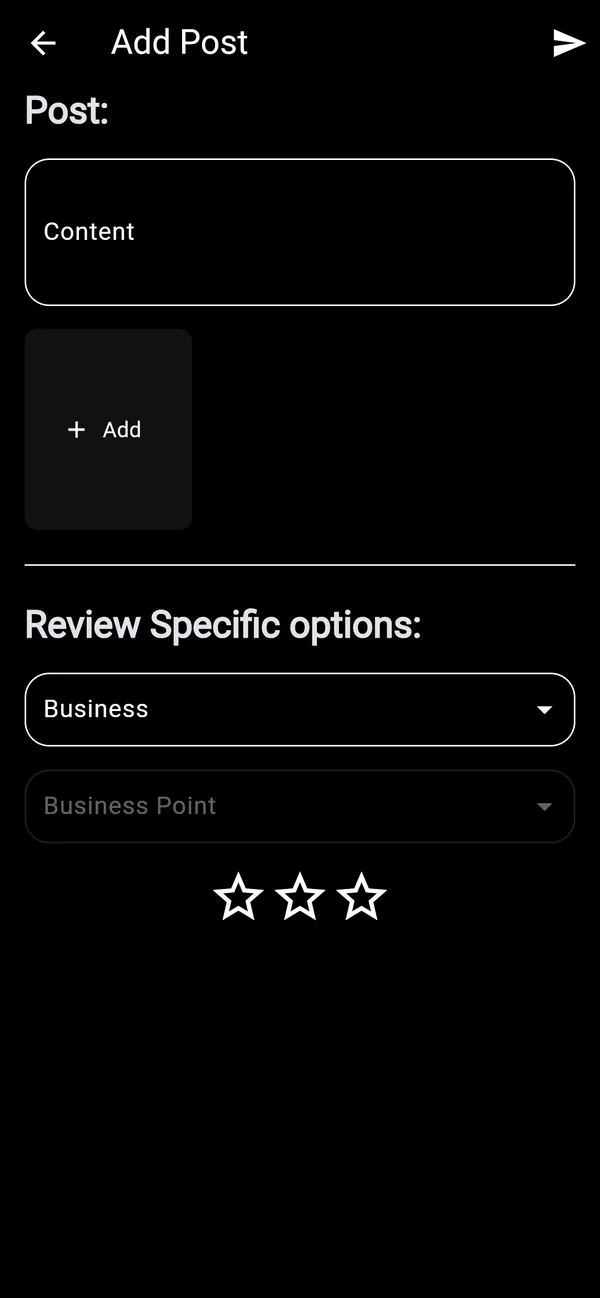
To post, you add photos or videos, write about your visit, choose the business and the branch, and give it a star rating. Media uploads straight from the phone and shows up in the feeds of everyone who follows you.
Profiles and search
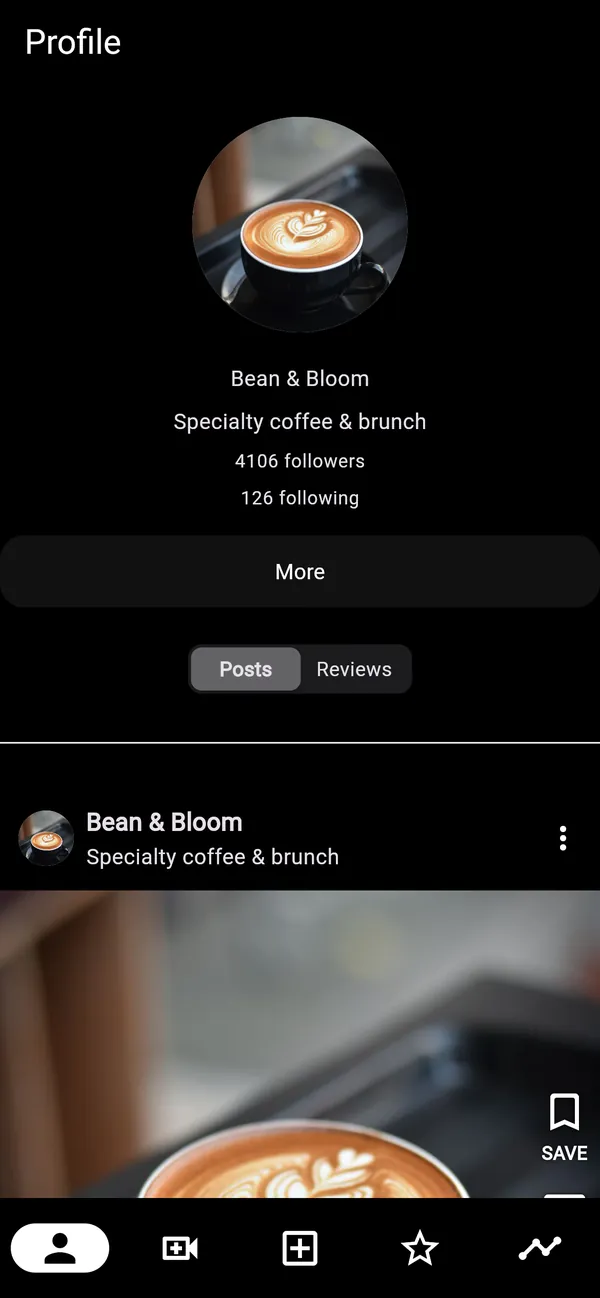
Everyone has a profile with their bio, follower counts and posts. A business profile has two tabs: the posts the business wrote, and the reviews people wrote about it. You can search people and businesses separately.

One app, two modes
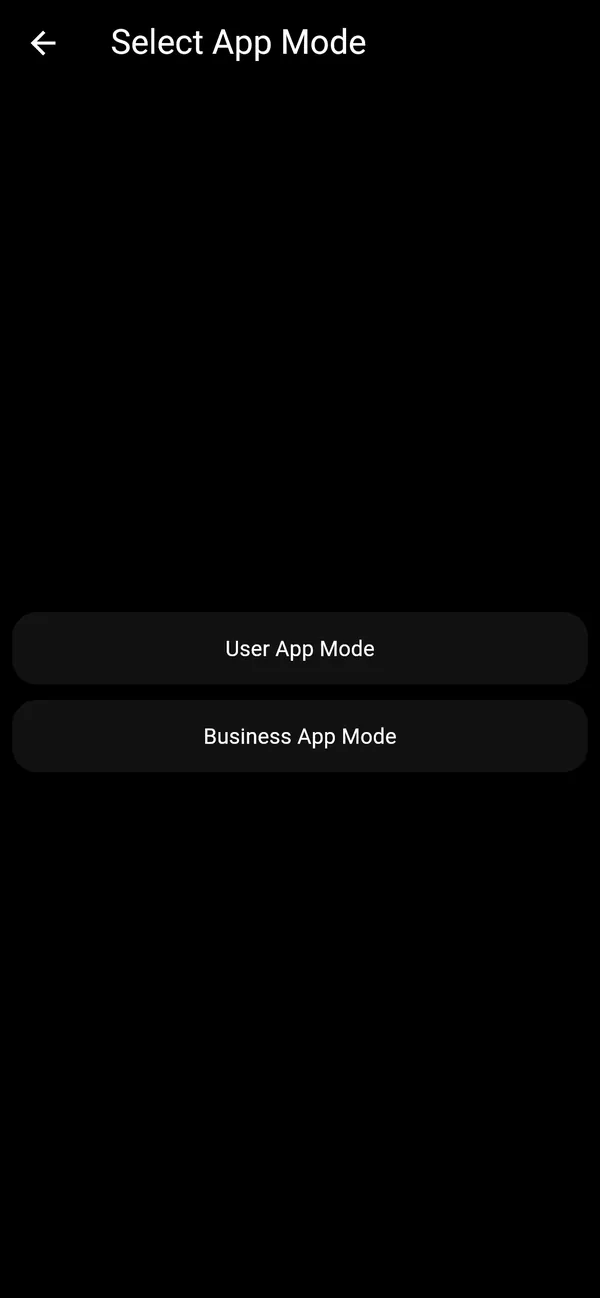
One account can be both a reviewer and a business owner. After signing in you pick a mode. In user mode you share your location once, then review places, follow people and browse the feeds. In business mode you act as one of your businesses: you post as the business, edit its profile and industry, and manage its branches, each with its own address and pin on the map. You can switch modes at any time from your profile.
How it was built
I built the Flutter app and the Firebase side. The app is split by feature, and each feature has its own data, domain and presentation layers.
Flutter
One codebase for iOS and Android.
Riverpod
App state, data loading and caching.
go_router
Typed routes, with a bottom tab bar that keeps each tab's history.
Firebase Auth
Sign-in with Google or email, with a Cloud Function that creates the user's record on sign-up.
Firebase Data Connect
A PostgreSQL database behind GraphQL for users, businesses, branches, posts and reviews, with type-safe Dart clients generated from the queries.
Stream activity feeds
Feeds, follows, likes and comments, including the location-ranked businesses feed.
Firebase Storage
Photo and video uploads.
Crashlytics and Analytics
Crash reports and usage data.
flutter_map
The business map, on OpenStreetMap tiles.
Where it ended
The client cancelled the project before launch, before the backend was finished. The app itself was working, with all of the features above, but it never reached the App Store or Google Play.
The screenshots on this page are from the real app, running on demo data. The people, places and photos are made up.